
← All use cases
Use case · Gateway
Claude and ChatGPT connected to company tools
AI assistants are most useful when they can reach your tools. With MCP connectors, an employee can give Claude or ChatGPT access to code, tickets and files in a few clicks. WALLIOO makes those connections governed instead of invisible.
Who it is for
Companies whose employees connect Claude or ChatGPT to Jira, GitHub, Google Drive or Microsoft 365.
What it covers
MCP connectors and company tools used from Claude and ChatGPT — per team and per action.
What you get
- Connectors approved per team
- Reading allowed, risky writes controlled
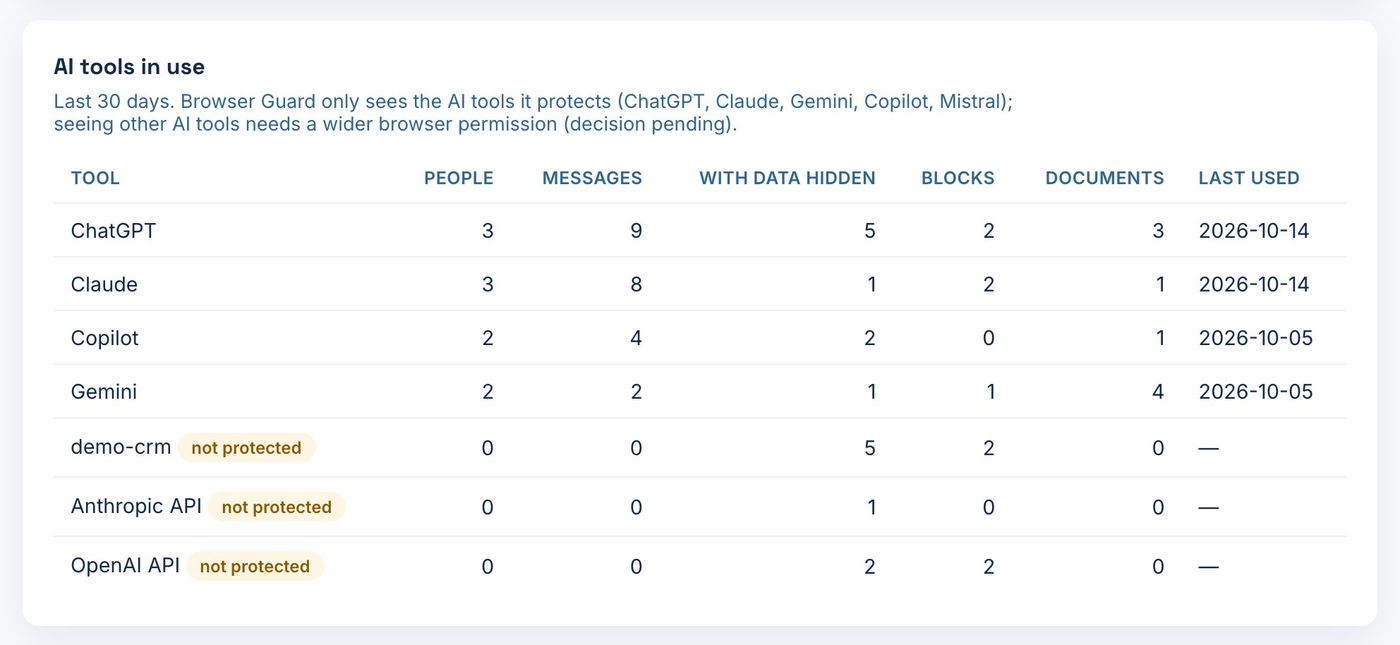
- One view of which AI uses which tool
The problem
What goes wrong without control
- Each employee decides which tools their AI can reach — with their own permissions.
- A connector meant for reading can also write, merge or delete.
- IT has no inventory of which AI is connected to what.
How WALLIOO solves it
The flow
EmployeesClaude · ChatGPT

Gateway
Catalog
Permissions
Mask
Log
Every decision recorded in WALLIOO Control
Jira · ConfluenceAtlassian
GitHubMCP
Google Drive · Microsoft 365MCP
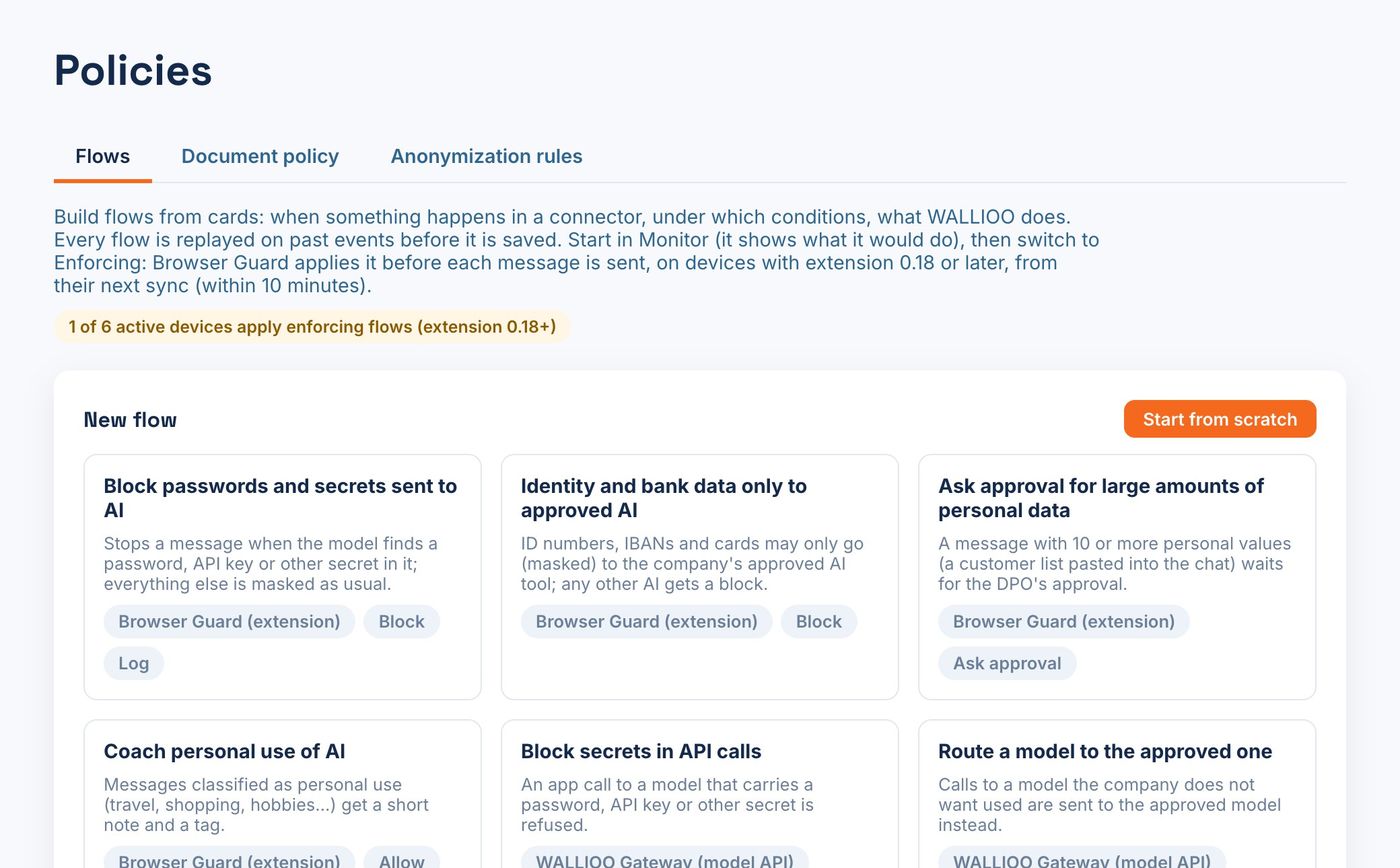
In the product
What your teams see
Real WALLIOO screens, with example data.
The policy
| Situation | Decision | What happens |
|---|---|---|
| Engineering reads GitHub issues | ALLOW | Read-only tools published for the Engineering group. |
| Merge to the main branch | APPROVE | A tech lead approves before the action runs. |
| Finance searches shared drives | ALLOW + MASK | IBANs and salaries are masked in the results. |
| Any connector not in the catalog | BLOCK | Only approved tools are reachable. |
Works with
ClaudeChatGPTJiraConfluenceGitHubGoogle DriveMicrosoft 365MCP
The outcome
One catalog
IT publishes approved connectors once, for everyone.
Right access per team
Each group gets the tools and actions it needs — no more.
Full inventory
Know which AI is connected to which system, and who uses it.